Exchange KYC Requirements in 2026: Binance, OKX, Bybit, MEXC Documents and Rejection Fixes
In 2026 there is no major exchange where you can withdraw without completing KYC. This guide puts Binance, OKX, Bybit and MEXC verification levels, do…
The short answer: in 2026 there is no major exchange where you can withdraw without KYC
Let us be blunt: at Binance, OKX, Bybit and MEXC, you cannot deposit, trade or withdraw normally without completing identity verification. The old "register an email and withdraw" gap is closed, and legacy accounts that never verified are usually downgraded to withdraw-only.
A rejected KYC is not a dead account, though. In practice more than nine out of ten rejections fall into twelve fixable categories: name spelling, expired documents, glare, screenshots, duplicate accounts, region/IP conflicts and more. This guide puts the four exchanges' rules in one table, then gives the exact fix for each failure.
Why verification got stricter in 2026
Three forces are stacking up:
- The FATF travel rule: cross-border transfers must carry originator and beneficiary information, so the exchange has to know who you are;
- Regional regimes such as MiCA: EU-licensed firms have explicit obligations on identity, address and source of funds;
- Tax reporting frameworks such as CARF: from 2026 many jurisdictions require platforms to report user transaction data to tax authorities, so the "anonymous account" no longer exists at the compliance layer.
Stop treating KYC as the platform being difficult. It is now a hard gate: if you cannot pass it, money cannot go in or out.
KYC compared: Binance, OKX, Bybit and MEXC
The table summarises public rules as of October 2026. Limits and requirements vary by country and are shown inside your account — always confirm in the platform's help centre.
| Exchange | When it is mandatory | Core documents | Stated review time | Notes |
|---|---|---|---|---|
| Binance | Verified required before deposit, trade or withdrawal | Government ID plus liveness check; proof of address for higher tiers | Usually minutes to 1–3 business days | Older unverified accounts are often limited to withdrawals; limits are shown per country in-account |
| OKX | Advanced verification required before trading, deposits or withdrawals | Passport, national ID or licence plus selfie; address proof in some flows | About 24 hours; automated checks can take seconds | Periodic re-verification; missing the grace period can freeze the account |
| Bybit | Standard KYC for every product | ID plus facial recognition | About 15 minutes, up to 48 hours in complex cases | Higher tiers may apply by region or product |
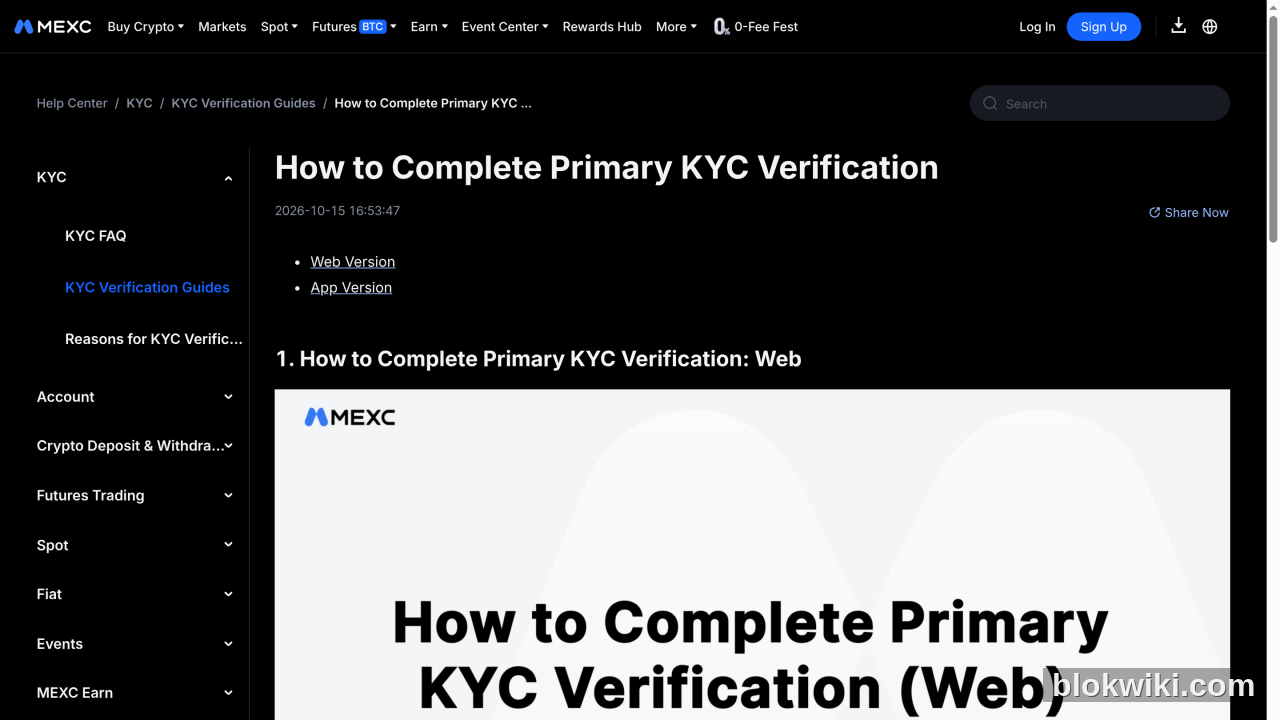
| MEXC | Primary KYC for full use | Front and back of ID plus selfie | Usually 15 minutes, occasionally 8–24 hours | Choose the document type by country; photos must be uncropped |
The common denominator is an ID plus a liveness selfie. Proof of address is only requested when raising limits or when risk controls fire. The differences are review time, re-verification frequency and regional restrictions.
Document checklist: prepare once, avoid three rounds
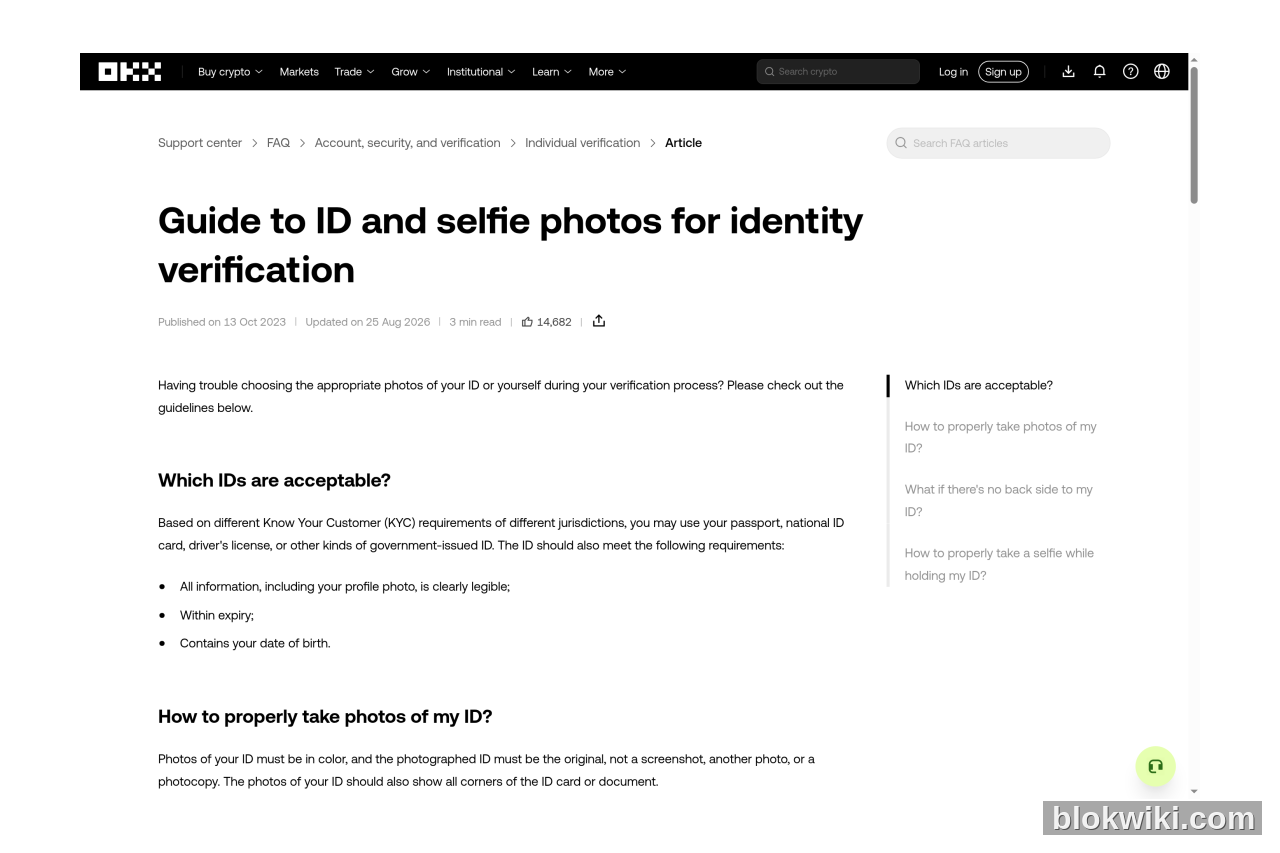
- ID: passport, national ID card or driver's licence — in date, all four corners visible, details legible;
- Selfie: even lighting, no hat or sunglasses, no backlight, full face in frame;
- Proof of address: a bank statement, utility bill or government letter from the last three months, with the name and address matching your account;
- Handheld photo/video: some platforms request a photo of you holding the ID or a specific motion recording during risk review;
- Source of funds: large deposits may require payslips, bank statements or an explanation of an on-chain transfer.
Practical tip: shoot with the phone's native camera and upload the original file, not an image compressed by a messaging app. Put the ID on a plain background to avoid reflections from the desk.
Twelve rejection causes and the fix for each
- Name mismatch: an English nickname, abbreviation or reordered name. Fix: set your name to the exact Latin transliteration on the document, including middle names.
- Expired ID: the system only reads the validity dates. Fix: renew the document and resubmit; do not gamble on the old one.
- Blurry or glaring photo: the most common cause. Fix: reshoot in daylight, turn off the flash, clean the lens.
- Cropped corners: a finger covering a corner or an over-tight crop. Fix: include all four corners in the frame.
- Screenshot or photocopy: explicitly rejected. Fix: photograph the original; a screen capture is treated as fraudulent.
- Duplicate account: the same ID is already tied to another account. Fix: log into the old account and close or recover it; do not open a second one.
- Region/IP mismatch: registration country, document issuer and current IP conflict. Fix: turn off the VPN and use your real residential network.
- Stale proof of address: older than three months or showing only a PO box. Fix: upload a recent bank statement with a street address.
- Selfie differs from the ID: new beard, hairstyle, coloured lenses or heavy makeup. Fix: reshoot in your natural state; update the ID photo first if necessary.
- Underage: below the local age of majority. Fix: there is none — wait, and never borrow someone else's ID.
- Sanctioned or restricted region: the platform rejects by compliance list. Fix: none — change jurisdiction or use a different platform.
- Network/upload failure: file too large, unsupported format or an interrupted upload. Fix: use JPG/PNG, compress to the platform's limit and retry on another network.
After a rejection: the correct process has four steps
- Read the reason: the email or in-app notice usually names the category (illegible document, information mismatch, duplicate account). Do not resubmit blindly;
- Correct the data: for name or address issues, update the account profile to match the document before uploading again;
- Resubmit: do not submit more than two or three times in one day; repeated failures trigger stricter manual review;
- Open a ticket: if it keeps failing, contact official support with the ticket number and rejection screenshot and ask which field does not match.
Never do these: buy a "guaranteed pass" account, hand your ID to a broker, or fund your account from someone else's bank. Once risk controls detect them, the account is permanently closed and the funds may be frozen for investigation.
Privacy: send KYC documents only to the official entry point
KYC data includes your ID number, face and home address — a leak is worse than a stolen balance. Three rules:
- Submit only in the exchange's official app or website, never via Telegram, WhatsApp, WeChat or email attachments to a "support agent";
- Verify the domain and app source before uploading; phishing sites exist to harvest ID photos;
- Enable 2FA, an anti-phishing code and a withdrawal whitelist so stolen documents cannot be turned into an immediate withdrawal.
Passing KYC does not make an account permanently safe. Long absences, new devices and unusual IPs can all trigger re-verification. Act on a re-verification notice immediately rather than discovering the restriction at withdrawal time.
FAQ
How long does KYC review take?
Automated checks usually take minutes to hours. Once manual review starts, Binance is about 1–3 business days, OKX about 24 hours, Bybit up to 48 hours and MEXC usually within 15 minutes but occasionally 8–24 hours. Open a ticket only after the stated window has passed.
Can I use a document other than a passport?
Most platforms accept passports, national ID cards and driver's licences, but supported types differ by country. Use only what the registration page offers — do not upload a document the platform does not list.
Does a KYC rejection affect my credit record?
No. Exchange KYC is not a bank credit bureau; a rejection only affects that platform account and does not enter a central credit registry. Forging documents, however, can create legal exposure.
Can one person hold multiple accounts?
Usually not. Major exchanges require one account per person; duplicate registrations are flagged and can restrict every linked account.
What if my old account never completed KYC?
Complete it now. Most platforms have already downgraded unverified accounts to withdraw-only, and further restrictions can follow. Test a small withdrawal first, then follow the prompts to submit documents.
If you are stuck on a specific platform, start with the dedicated walkthroughs: Binance identity verification step by step, the six causes of OKX verification failure. If you are still choosing a venue, compare the Binance, OKX, Bybit and MEXC profiles to confirm your jurisdiction is supported.
Risk notice. Crypto trading carries high risk and nothing here is investment advice. KYC rules, limits and review times change with regulation and region — follow the platform's official help centre and in-account prompts. Do not buy accounts or pay third parties to complete verification. This article contains no affiliate links; the exchanges named are examples for comparison only.